
WhatsApp CRM Guide 2026: Everything Your Team Needs to Know
What Is a WhatsApp CRM?
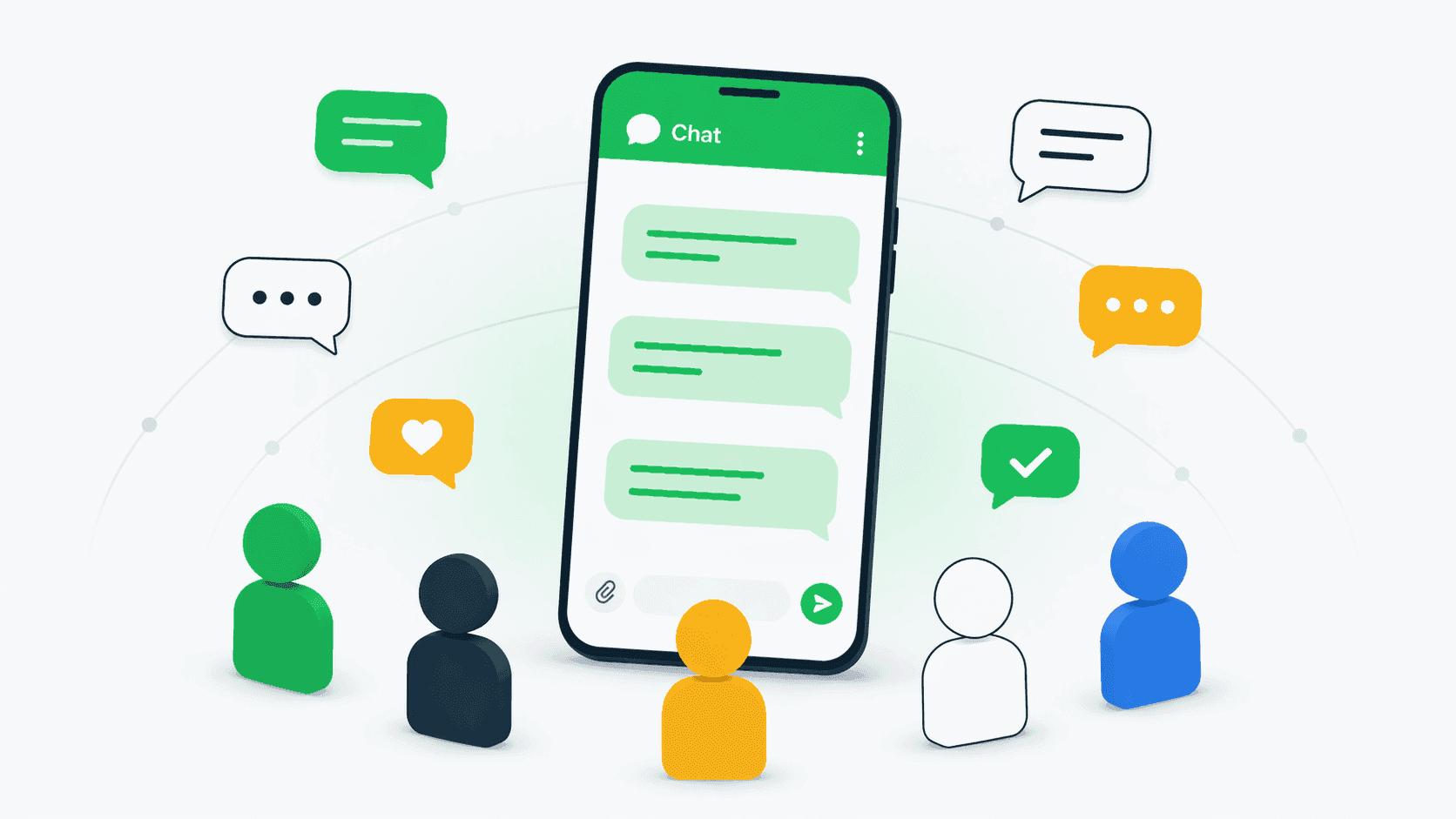
A WhatsApp CRM is a customer relationship management tool that integrates with WhatsApp to track, manage, and organize customer conversations. Instead of WhatsApp chats living on individual team members' phones, a WhatsApp CRM brings every conversation into a centralized shared inbox where your entire team can view, assign, and respond to messages. For teams of every size, a WhatsApp CRM solves the fundamental problem of scattered communication. Managers gain visibility into what reps are saying to customers. Conversation history stays with the company, not individual phones. And follow-ups happen consistently because the system tracks every open thread.
Why Every Team Needs a WhatsApp CRM
Teams lose an estimated 20% of customer conversations when WhatsApp messages stay on personal devices. Reps forget to follow up. Managers cannot see which customers have been contacted. When someone leaves the team, their entire chat history walks out with them. A WhatsApp CRM eliminates these problems by making every conversation a company record. Response times improve because the team shares a single inbox. Lead conversion increases because automated reminders ensure no prospect goes cold. Customer satisfaction rises because anyone on the team can pick up a conversation with full context — no more asking the customer to repeat themselves.
Key Features to Look for in a WhatsApp CRM
The best WhatsApp CRM tools for teams of every size include several core features. A shared inbox lets multiple team members view and respond to conversations from one dashboard. Conversation assignment routes specific chats to the right rep. Internal notes allow team collaboration without the customer seeing the discussion. Contact management stores customer details alongside conversation history. Automated follow-up workflows trigger actions based on rules — like sending a reminder when a message goes unanswered for 24 hours. Multi-number support is important for teams with multiple WhatsApp Business lines. And analytics dashboards show response times, conversation volume, and team performance metrics.
How to Set Up WhatsApp CRM for Your Team
Setting up a WhatsApp CRM typically takes under 30 minutes for most teams. First, you need a WhatsApp Business account — this is different from a personal WhatsApp account and provides business features like quick replies and labels. Next, connect your WhatsApp Business number to your CRM platform. Tools like Connectoo use the WhatsApp Business API for real-time sync. Once connected, invite your team members to the CRM, set up conversation assignment rules, and configure any automated workflows. Start simple: assign incoming conversations round-robin across your team, set a 2-hour unanswered message alert, and add your top 100 contacts to the CRM. You can add complexity as your team gets comfortable with the tool.
Connectoo vs Other WhatsApp CRM Options
Several tools compete in the WhatsApp CRM space. TimelinesAI focuses exclusively on WhatsApp shared inbox with integrations to external CRMs like Salesforce and HubSpot — pricing starts at $10 per seat per month. Wati provides WhatsApp Business API access with chatbots and broadcast messaging. Connectoo takes a different approach by combining WhatsApp shared inbox with VoIP call tracking and SMS in one unified CRM. Unlike TimelinesAI which requires a separate CRM, Connectoo is the CRM. And unlike Wati which focuses on WhatsApp messaging automation, Connectoo tracks all communication channels that teams actually use — WhatsApp, phone calls, and SMS. For teams that communicate with customers across multiple channels, check our pricing and see the complete picture.
Common Mistakes When Implementing WhatsApp CRM
The most common mistake is treating WhatsApp CRM as just another inbox. The real value comes from connecting conversations to customer records, automating follow-ups, and tracking team performance. Teams that simply read and reply to messages miss the CRM part entirely. Another mistake is not setting response time expectations. When customers message on WhatsApp, they expect fast replies — often within an hour. Use your CRM alerts to flag unanswered conversations before they go cold. Finally, avoid giving every team member access to every conversation. Use assignment rules to route chats to the right person and prevent duplicate responses that confuse customers.
Best Practices for WhatsApp CRM Success
Start by integrating WhatsApp CRM into your existing sales process rather than treating it as a separate channel. When a lead comes in on WhatsApp, it should follow the same pipeline stages as a phone lead or email lead. Use conversation tags to categorize chats by deal stage, product interest, or priority level. Set up automated workflows for the highest-impact scenarios first: missed call follow-ups, new lead welcome messages, and stale conversation re-engagement. Review your analytics weekly to identify response time bottlenecks and team performance trends. And most importantly, keep your contact records clean — merge duplicates, update customer details, and archive inactive conversations regularly.
About the Author
Connectoo Team
Product & Growth at Connectoo
Writing about WhatsApp CRM, VoIP call tracking, communication management, and building better workflows for teams of every size. Follow Connectoo for more insights.