
Call Recording + WhatsApp Follow-Up in One CRM (2026 Guide)
What Is Call Recording with WhatsApp Follow-Up?
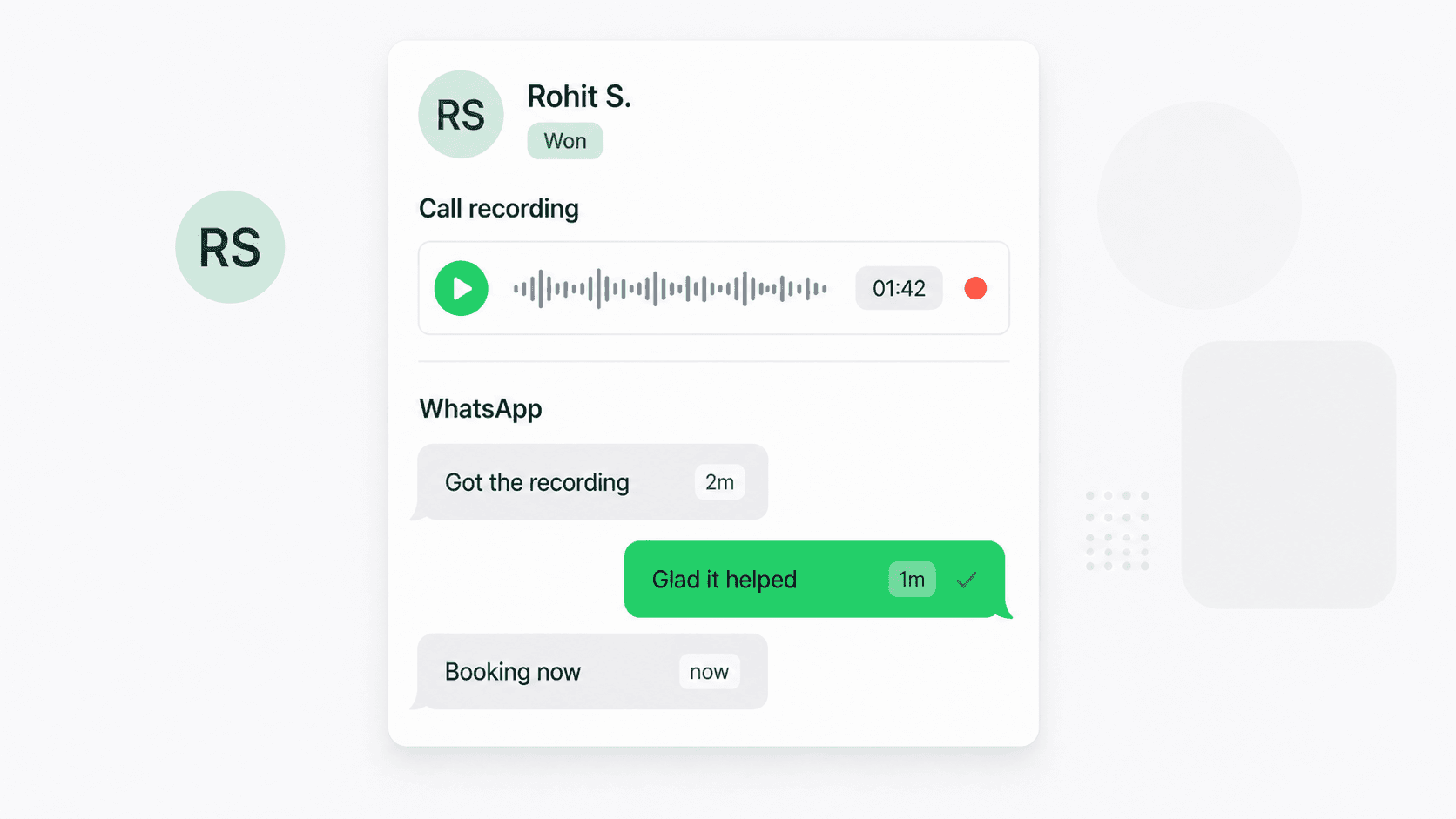
Call recording with WhatsApp follow-up is a single CRM workflow that captures a voice conversation and then sends a contextual WhatsApp message to that customer the moment the call ends — answered, missed, or short — without anyone typing it. In Connectoo, the VoIP call runs through the browser or mobile app, the audio is stored against the contact's timeline with a transcript, and a workflow fires a pre-approved WhatsApp template (a recap, a quote, a meeting confirmation, or a "sorry we missed you" message) within seconds. Because the call and the message both live in the same shared inbox, the rep sees the recording, the transcript, and the WhatsApp thread for that customer side by side. There is no Zapier glue, no copy-paste from a phone log to a chat app — recording and follow-up are two halves of one event.
Why Sales Teams Bundle Call Recording and WhatsApp Follow-Up
Sales teams bundle these two capabilities because the bottleneck is no longer making calls — it is what happens after. Studies from Drift and HubSpot show that responding within 5 minutes makes a lead 21x more likely to qualify, and that 80% of deals need at least five follow-up touches. A recorded call without a follow-up is just an archive; a follow-up without a recording loses the context of what was said. Bundling them gives every conversation a memory and a next step. Managers replay the recording to coach the rep, while the customer simultaneously gets a WhatsApp message that references the call accurately ("As discussed, here's the quote you asked for"). Across Connectoo accounts, teams that switch on recording plus an after-call WhatsApp template see reply rates of 38–45% on the follow-up versus 12–15% on generic "thanks for calling" sends. The recording supplies the context that makes the message land.
How Connectoo Pairs VoIP Call Recording with WhatsApp Workflows
Connectoo runs voice and WhatsApp on a shared inbox and a shared automation engine. The call leg uses Connectoo VoIP calling — placed and received in the browser or the iOS/Android mobile app — with call recording and searchable transcripts available on the Pro and Business plans. The WhatsApp leg uses Connectoo's WhatsApp shared inbox with templated and free-form messaging. The glue is the workflow engine: when a call ends, Connectoo emits an event (call.completed, call.missed, call.short) carrying the contact, the recording URL, the transcript, and the duration. A workflow listens for these events and fires actions — send a WhatsApp template, wait 24 hours, create a callback task if there is no reply. Because the call recording, the transcript, and the WhatsApp reply all attach to the same contact, the rep opens one timeline and sees everything in order, with no tab switching.
Connectoo vs Standalone Cloud Phones vs WhatsApp-Only Tools
Most teams that want this workflow today are paying for two tools — a cloud phone for calls and a separate inbox for WhatsApp — and stitching them together by hand. Aircall, JustCall, OpenPhone, and Dialpad cover voice and recording well but have no native WhatsApp inbox. TimelinesAI and Wati run strong WhatsApp shared inboxes but cannot record calls or trigger from a call event because they never see the call. Connectoo is the only platform in this price band that owns both sides natively, which is what makes a single workflow possible.
| Capability | Connectoo | Aircall / JustCall | TimelinesAI / Wati |
|---|---|---|---|
| VoIP call recording | Yes | Yes | No |
| Searchable call transcripts | Yes | Yes (add-on) | No |
| WhatsApp shared inbox | Yes | No / limited add-on | Yes |
| After-call WhatsApp trigger (native) | Yes | No | No |
| Recording & WhatsApp on one timeline | Yes | No | No |
| Workflow triggers on call events | Yes | Limited | No |
| Free plan | Yes | 14-day trial | Trial only |
The practical effect: a team replacing a cloud phone plus a WhatsApp inbox with Connectoo typically saves 30–50% on subscription cost and removes the integration layer entirely.
Setting Up a Recording + WhatsApp Workflow in 5 Minutes
A first workflow takes about five minutes to switch on. First, provision a Connectoo VoIP number (local in 60+ countries, or port your existing business line) and invite your team. Second, enable call recording in the workspace settings — choose all calls, calls over 30 seconds, or per-contact rules. Third, connect your WhatsApp Business number and submit one or two templates for approval; a "recap" template and a "missed call" template cover most outbound use cases. Fourth, open Workflows, pick the "After-Call Follow-Up" preset, and pick the call event (answered, missed, or both), the wait time (instant, 5 minutes, or business-hours only), and the template to send. Fifth, hit Activate. The next call on your number triggers the recording plus the WhatsApp send. For multi-step sequences and stale-lead nudges, see the deeper guide on auto follow-up workflows that increase sales.
WhatsApp Templates That Convert After Recorded Calls
The templates that perform best after a recorded call are short, reference the conversation, and end with one clear next step. After an answered demo call, a recap template works well: "Hi , thanks for your time just now — as discussed, here's the brochure and pricing. Want me to block 30 minutes Thursday for a deeper look?" After a missed call, an apology-plus-question template performs best: "Hi , sorry we missed your call — I'll try you again shortly, but if it's quicker, tell me what you needed and I'll sort it on WhatsApp." After a short call (under 30 seconds, usually a dropped line or a wrong moment), a reconnect template helps: "Hi , sounds like we got cut off — any time tomorrow morning to pick up the conversation?" Connectoo's transcript is searchable, so a rep replaying the call can pull a verbatim quote into the WhatsApp thread to remove ambiguity ("You mentioned a Q3 launch — here's the timeline we'd recommend"). Keep templates to one variable for personalisation and avoid stacking more than one link to protect deliverability.
Compliance and Consent for Recorded Calls + WhatsApp Messages
Recording a call and following up over WhatsApp both come with their own consent rules, and the workflow needs to respect each one. On the recording side, many jurisdictions require single- or dual-party consent before audio capture; Connectoo supports configurable pre-call announcements ("This call may be recorded for quality and training"), per-contact recording exclusions, and encryption of recordings in transit and at rest. Access controls let administrators decide who can replay which recordings, and retention policies allow automatic deletion after a configurable period. On the WhatsApp side, the Business Platform only opens a free-form 24-hour service window when the customer messages your number first — a voice call does not open it. So an after-call WhatsApp message to someone who has not yet chatted with you must use a pre-approved template, usually in the utility category (a follow-up, confirmation, or document delivery) rather than marketing. Connectoo handles template selection automatically and tracks the service window per contact, so workflows fall back to a template when the window is closed and free-form when it is open.
What 30 Days of Recording + WhatsApp Looks Like
The economics of bundling recording with WhatsApp follow-up are straightforward. A 10-person team running 200 business calls a day handles roughly 4,000 calls a month. Manually, perhaps 30–40% of those calls get a same-day WhatsApp follow-up — usually only the ones a rep clearly remembers. Automated, 100% do, adding 2,400-plus extra documented follow-ups every month. With a contextual template referencing the call, reply rates land in the 38–45% range, re-opening hundreds of conversations that otherwise died at "thanks for your time." Connectoo teams typically convert 8–12% of recovered conversations into qualified opportunities. At a $500 average deal value, recovering a handful of extra closes per week pays for the entire platform many times over. The Pro plan that includes recording, transcripts, and unlimited workflows is $15 per user per month — see the pricing page for the full breakdown. Most teams break even on the subscription within the first week and reach steady-state ROI by the end of the first month.
About the Author
Connectoo Team
Product & Growth at Connectoo
Writing about WhatsApp CRM, VoIP call tracking, communication management, and building better workflows for teams of every size. Follow Connectoo for more insights.