
How to Track WhatsApp Conversations in Your CRM (Step-by-Step Guide)
Why Businesses Need WhatsApp Conversations in Their CRM
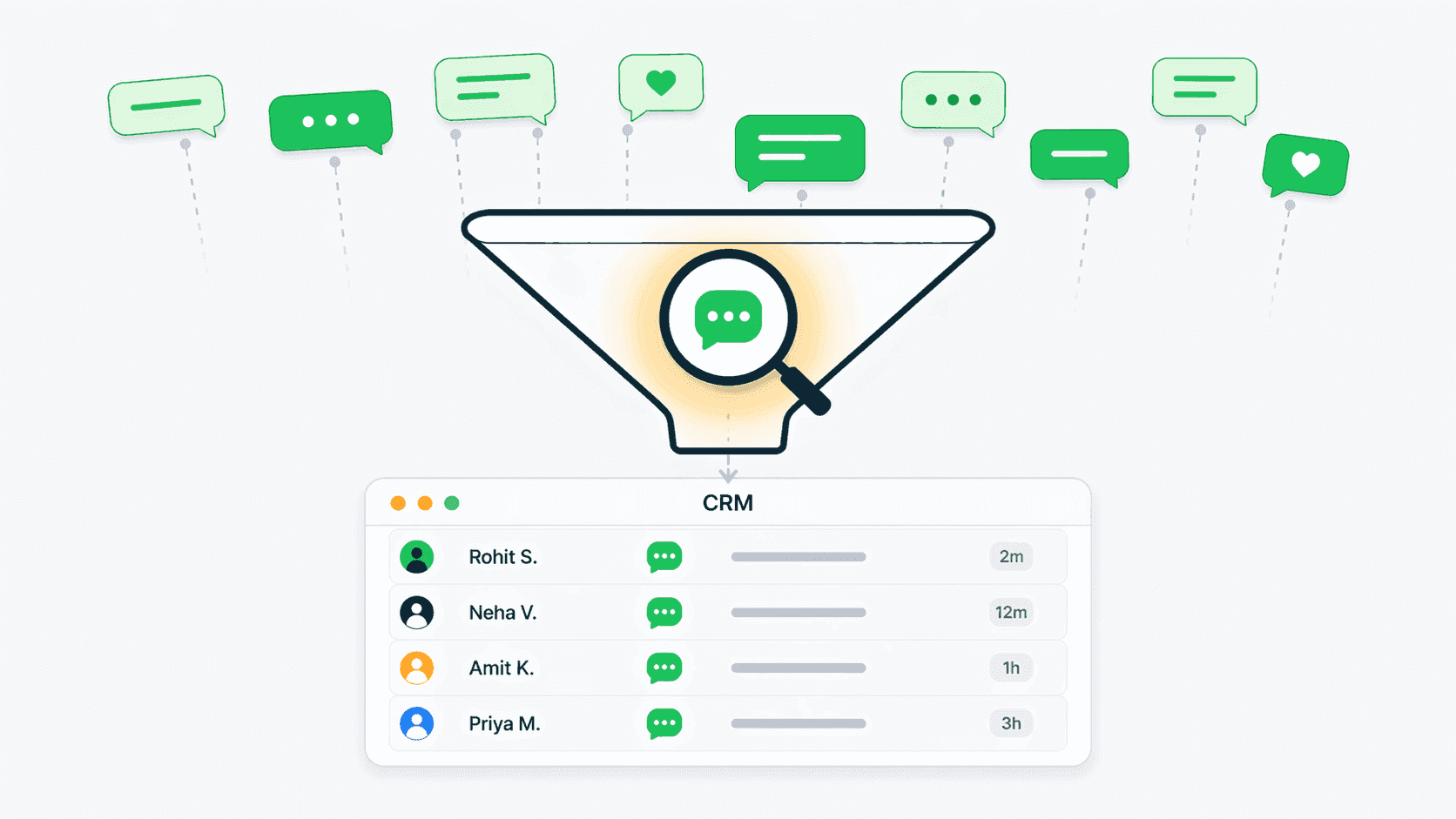
WhatsApp has over 2.7 billion monthly active users worldwide, and in markets like India, Brazil, and Southeast Asia, it is the default channel for business communication. According to a 2025 Meta Business report, 175 million people message a WhatsApp Business account every day. Despite this massive volume, many teams still manage WhatsApp conversations on individual phones with no connection to their CRM. The result is predictable: lost conversations, forgotten follow-ups, and zero visibility for managers. When a sales rep leaves, every WhatsApp conversation they had with customers vanishes. Tracking WhatsApp in your CRM fixes all of this — every message becomes a company record tied to a customer profile, searchable, assignable, and actionable. For teams of every size, this is not a nice-to-have; it is essential infrastructure for closing deals and retaining customers.
The Cost of Not Tracking WhatsApp in Your CRM
Businesses of all sizes that do not track WhatsApp conversations in their CRM lose revenue in measurable ways. A Harvard Business Review study found that companies responding to leads within 5 minutes are 100 times more likely to connect than those waiting 30 minutes. When WhatsApp messages sit unmonitored on a rep's phone, response times are unpredictable. Sales managers report that reps log fewer than 40% of WhatsApp interactions manually — meaning more than half of customer conversations are invisible to the organization. Customer handoffs fail because the new rep has no context. Follow-ups fall through because there is no system to flag unanswered messages. And when it comes time to review pipeline activity, managers rely on guesswork instead of data. The annual cost of these gaps for a 10-person sales team can easily exceed $50,000 in lost deals.
Manual vs Automated WhatsApp CRM Tracking
There are two approaches to getting WhatsApp conversations into your CRM: manual and automated. Manual tracking means reps copy-paste WhatsApp messages into CRM notes, take screenshots, or write summaries after each conversation. This approach is free but deeply unreliable — it depends entirely on human discipline, adds 15-30 minutes of administrative work per rep per day, and produces incomplete records. Automated tracking uses the WhatsApp Business API to sync messages directly into your CRM in real time. Every incoming and outgoing message appears on the customer timeline automatically — no copy-pasting, no screenshots, no forgotten entries. Tools like Connectoo, TimelinesAI, and Wati provide automated WhatsApp CRM integration. The choice between manual and automated is straightforward: if WhatsApp is a meaningful part of your customer communication, automated tracking pays for itself within weeks through better follow-up rates and faster response times.
Step-by-Step: Setting Up WhatsApp CRM Integration with Connectoo
Setting up WhatsApp conversation tracking in Connectoo takes under 10 minutes. Step 1: Create a Connectoo account and log in to the dashboard — the free plan works for getting started. Step 2: Navigate to Settings and select WhatsApp Integration. Connect your WhatsApp Business account using the guided setup wizard. Step 3: Once connected, all incoming and outgoing WhatsApp messages begin syncing to the CRM automatically. Each message appears on the customer's unified timeline alongside call logs and SMS. Step 4: Invite your team members and configure conversation assignment rules — you can route conversations round-robin, by customer tag, or by geographic region. Step 5: Set up your first automated workflow — start with a simple one like flagging unanswered WhatsApp messages after 2 hours. Connectoo handles the WhatsApp Business API connection behind the scenes, so there is no technical setup required. Your team can start viewing and responding to WhatsApp conversations from the shared inbox immediately.
Comparing WhatsApp CRM Integration Tools
Several tools offer WhatsApp CRM integration, each with different strengths. TimelinesAI is a dedicated WhatsApp shared inbox that syncs with external CRMs like Salesforce and HubSpot — it costs $10-60 per seat per month and excels at WhatsApp-only workflows with mass messaging and chatbot features. Wati focuses on WhatsApp Business API access with broadcast messaging and chatbot builders — good for marketing-heavy teams. Respond.io is a multi-channel inbox that supports WhatsApp alongside email, Telegram, and other messaging platforms. Connectoo takes a different approach: instead of being a WhatsApp add-on for an existing CRM, Connectoo is the CRM — with WhatsApp shared inbox, VoIP call tracking, and SMS all built in. For teams that already use Salesforce or HubSpot and only need WhatsApp, TimelinesAI is a solid choice. For teams that want one affordable tool covering WhatsApp plus phone calls, Connectoo eliminates the need for multiple subscriptions.
What Happens After WhatsApp Messages Are in Your CRM
Tracking WhatsApp conversations is step one — the real value comes from what you do with the data. Once messages are in your CRM, you can measure response times across the team and identify bottlenecks. Managers can review conversation quality without asking reps to forward screenshots. Auto follow-up workflows can trigger actions based on WhatsApp events — sending a reminder when a message goes unanswered, creating a task when a lead goes quiet, or alerting a manager when a high-value conversation needs attention. Contact profiles become richer because WhatsApp interaction history combines with call logs and SMS to create a 360-degree view of each customer relationship. Over time, this data reveals patterns: which message approaches convert best, what time of day gets the fastest responses, and which customers need more touch points before closing.
Common WhatsApp CRM Integration Mistakes to Avoid
The biggest mistake is choosing a WhatsApp-only tool when your team also communicates by phone. If your sales reps make phone calls and chat on WhatsApp, a tool like TimelinesAI tracks only half your conversations — the other half stays invisible. Consider a unified platform like Connectoo that covers all channels. The second mistake is not setting up automation. Manually reading and replying to WhatsApp from a CRM dashboard is only marginally better than doing it from a phone — the real improvement comes from automated follow-ups, assignment rules, and response time alerts. Third, do not ignore compliance: depending on your jurisdiction, storing customer WhatsApp messages may have data privacy implications. Ensure your CRM tool encrypts data and provides appropriate access controls. Finally, train your team on the new workflow — the best integration in the world fails if reps continue chatting from their personal phones instead of the shared inbox.
Best Practices for WhatsApp CRM Success
Start with three high-impact actions on day one. First, route all WhatsApp conversations through the shared inbox and disable personal phone responses — this ensures complete data capture. Second, set a response time SLA and configure alerts for breaches — even a simple 1-hour SLA dramatically improves customer experience. Third, create one automated follow-up workflow for your most common scenario, such as a welcome message for new contacts. Review your WhatsApp analytics weekly to track response time trends, conversation volume, and rep performance. Keep your contact management clean by merging duplicates and tagging contacts by deal stage. And explore your pricing options early — many teams start on the free plan and upgrade when they see the impact on conversion rates. Within 30 days, most teams report measurable improvements in response times and follow-up consistency.
About the Author
Connectoo Team
Product & Growth at Connectoo
Writing about WhatsApp CRM, VoIP call tracking, communication management, and building better workflows for teams of every size. Follow Connectoo for more insights.